


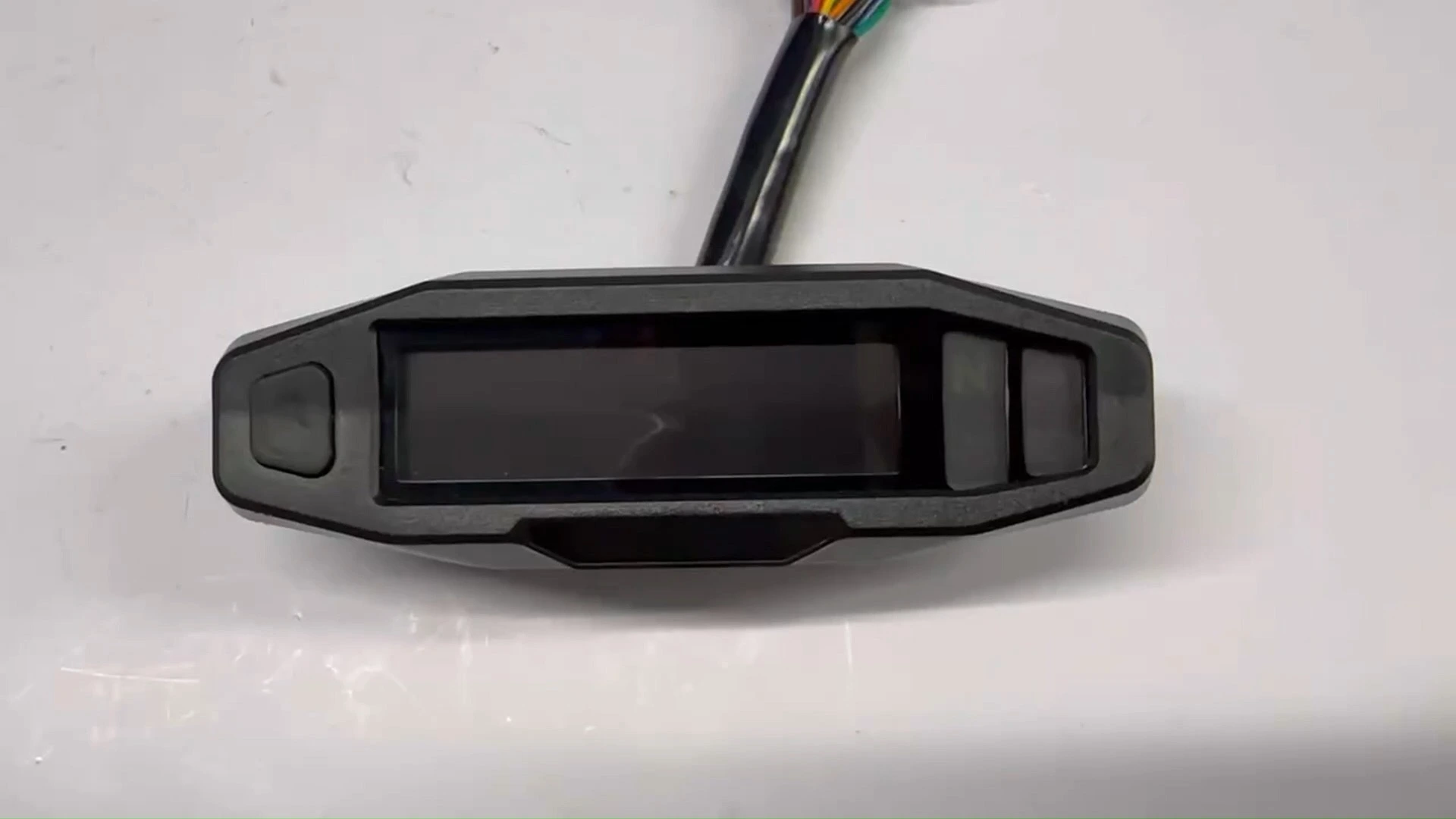
BH-METER Factory Wholesale Universal Digital Dashboard Speedometer Tachometer For Rusi KRY200, Honda CRF150 CRF250
Comprehensive digital dashboard system specifically designed for Yamaha Fazer 150 motorcycles, featuring advanced display technology with multiple functional zones for optimal riding data presentation and system monitoring.
Compatible Models: YS125, XTZ150, XTZ150 CrosserInstallation Steps
Method 1: Ensure motorcycle power is completely off for installation safety.
Method 2: Locate original dashboard wiring interface and disconnect.
Method 3: Connect wires according to provided diagram (insulating tape recommended).
Method 4: Test screen with ground and positive wires connected.
Method 5: Verify all functions before final mounting.
Method 6: Start motorcycle after installation to confirm operation.
Button Adjustment
◎ In accumulation mode, press the key quickly to toggle between large and small totals, and press and hold the key to clear the subtotal in subtotal mode.
◎ In accumulation mode, press and hold the button to toggle between metric and imperial modes.
◎ When the IGN is off, press and hold the button to turn it on and enter the adjustment mode: State change sequence: adjust the pulse count of the vehicle speedometer - adjust the thousands of tire circumference - adjust the hundreds of tire circumference - adjust the tens of tire circumference - adjust the units of tire circumference - adjust the cylinder number for speed - adjust the fuel; short press to adjust, long press to move to the next state, and exit adjustment mode after 10 seconds of inactivity.
Precautions
1. To prevent wiring mistakes damaging product, consult mechanic if inexperienced.
2. Products tested before shipment. Check wiring connections first if issues arise. Contact after-sales service if panel found defective.
Related Products
Just leave your email or phone number in the contact form so we can send you a free quote for our wide range of designs!
Add: Room 1003, 10th Floor, Building 3, Wanyang Innovation City, Jiangdu West Road, Duruan Town, Pengjiang District, Jiangmen City, Guangdong Province, China